Feedback
Progress
Render a single determinate progress value at a responsive width.
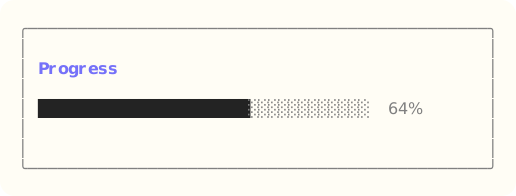
The site build compiles the dedicated Ada component example, constructs Progress through its public API, and exports that exact styled surface. Read the capture source.
When to use it
Use a progress bar for one bounded operation. Use progress groups when several jobs need selection, lifecycle, and aggregate state.
State and ownership
The Flyology_TUI.Components.Progress package defines this component.
The model retains current value, maximum, width, and label geometry. It never owns a timer or task.
- The application owns the progress model and sets its retained value and width.
- The component retains no timer, task, or input state.
Behavior
Progress is read-only. The application advances it through ordinary model updates.
Integration sequence
- Create or update the caller-owned values that the renderer reads.
- Borrow the values and appearance required by the selected render function.
- Place the returned surface in the current layout. Do not route input to this component.
See the linked package reference for its exact declarations and contracts.
Responsive and accessible behavior
- Use dimensions and regions from the current layout or presentation value.
- Retain a glyph, label, border, or text-attribute cue when the terminal reduces color.