Layout
Viewports
Retain and clip a surface at bounded horizontal and vertical offsets.
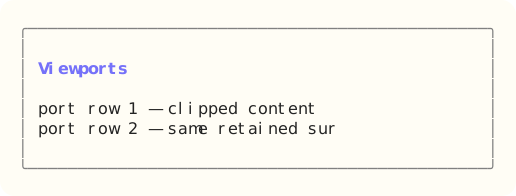
The site build compiles the dedicated Ada component example, constructs Viewports through its public API, and exports that exact styled surface. Read the capture source.
When to use it
Use a viewport when content can exceed its visible region. Pair it with scrollbars when users need persistent position affordances.
State and ownership
The Flyology_TUI.Components.Viewports package defines this component.
The viewport retains the content surface, visible size, and horizontal and vertical offsets. Set_Content replaces the retained surface; Resize changes the visible region; Scroll applies signed movement and clamps it to the content bounds.
- The application model owner applies updates during serial event dispatch.
- Appearance and skin values are borrowed only while the component renders.
Input and updates
Arrow keys, Page keys, and wheel input scroll the retained surface. The application synchronizes any attached scrollbar models.
Integration sequence
- Create the viewport at the current visible size, set its retained content surface, and resize it when layout dimensions change.
- Pass terminal keyboard or viewport-local wheel events to Update, or call Scroll for application-driven movement.
- Render the clipped surface and synchronize X_Offset and Y_Offset with any caller-owned scrollbar models.
See the linked package reference for its exact declarations and contracts.
Responsive and accessible behavior
- Use dimensions and regions from the current layout or presentation value.
- When a component owns mouse capture, route its matching release even when the pointer leaves the original bounds.
- Retain a glyph, label, border, or text-attribute cue when the terminal reduces color.